Forest Classroom Course Page
Actual ResultsOriginal
Individual PNG Assets
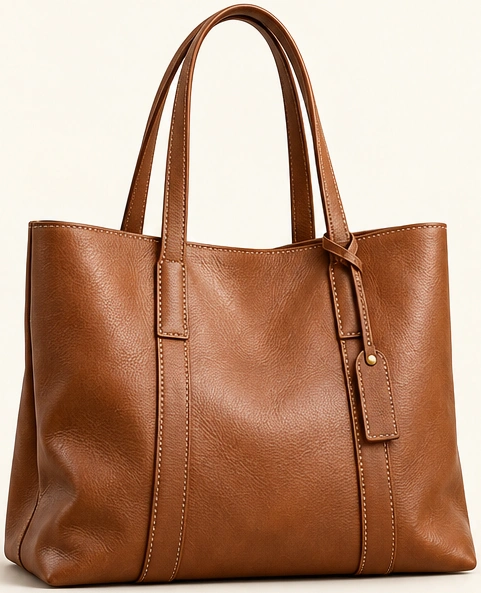
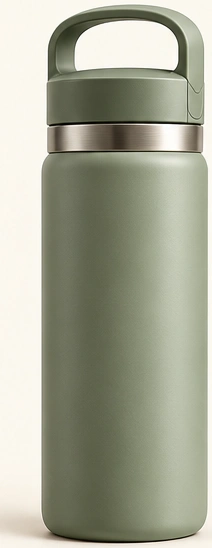
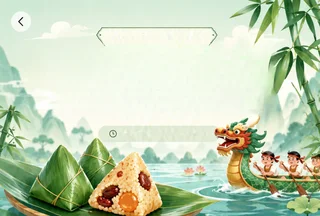
Showing 3 of the illustrations
Click an image to take a closer look
Extract photos, banners and lesson illustrations from a full-page screenshot for your notes, lessons or new layouts.
Try one image free. Preview the results before buying a plan to download your assets.
Original
Individual PNG Assets
Showing 3 of the illustrations
Click an image to take a closer look
Upload your own image. New users get one free preview.
Zoom in and check each asset before downloading.
Buy a plan when you are happy with the preview. Download your individual PNG assets in a ZIP file.
Use clear screenshots with readable text and sharp images. Upload the original screenshot with each image fully visible.
Output quality depends on the screenshot. Extraction cannot restore content that is already blurry, missing or covered.
The photo banner and the two images below it are saved separately. Text within the banner remains in the image.
Original
Individual PNG Assets
One banner and two illustrations, saved separately
Click an image to take a closer look
Downloads contain PNG image assets. Existing text remains part of each image.
PNG, JPG and WebP images are supported, including long screenshots. Use the preview to check that the extracted images are complete and clear.
Upload a PNG, JPG or WebP and preview the actual results.